
-Silhouette for Lasers-
COURSE CLOSING FOR GOOD OCTOBER 31, 2026!
If you purchase this course before it closes, please download all videos and course materials immediately to ensure you have access after the closure.
Please note: This course was created several years ago, so the Silhouette Studio version shown may differ from the current version. However, the core design principles and techniques still apply!
Due to the digital nature of this product and immediate access upon purchase, all sales are final.
In this course, you will learn how to use Silhouette Studio (Business Edition) to create your very own laser files so you can buy less files and make your own one-of-a-kind designs!
Silhouette for Lasers Course is closing PERMANATELY!!
No code needed!!
*All sales are final. Please download videos & materials immediately, as online access will end Midnight (edt) on 10.31.26.
00
DAYS
00
HOURS
00
MINS
00
SECS
If you’re a Silhouette user and laser owner, new to the program and/or ready to add file designing to your portfolio...
while also looking to save some cash purchasing less files (especially those simple ones!) and becoming more comfortable using the software...
then this course is for you!!
I remember when I was first starting out, I spent hours trying to find Silhouette tutorials for laser owners and they didn't exist! Sure, I knew how to create vinyl cut files, but that knowledge didn't always transfer into quality laser cut files. I would view tutorial after tutorial, while not knowing the proper terminology to search for, hoping that I would get lucky. That led to a lot of frustrating trial and error, motivating me to find a better way.
I would love to show you how I use the program to make laser ready files to help save you time and energy. This will help you eliminate stress and avoid frustrating searches for the right tutorial, all while keeping it in one cohesive location to get you comfortable with creating your own files much faster than searching on your own.
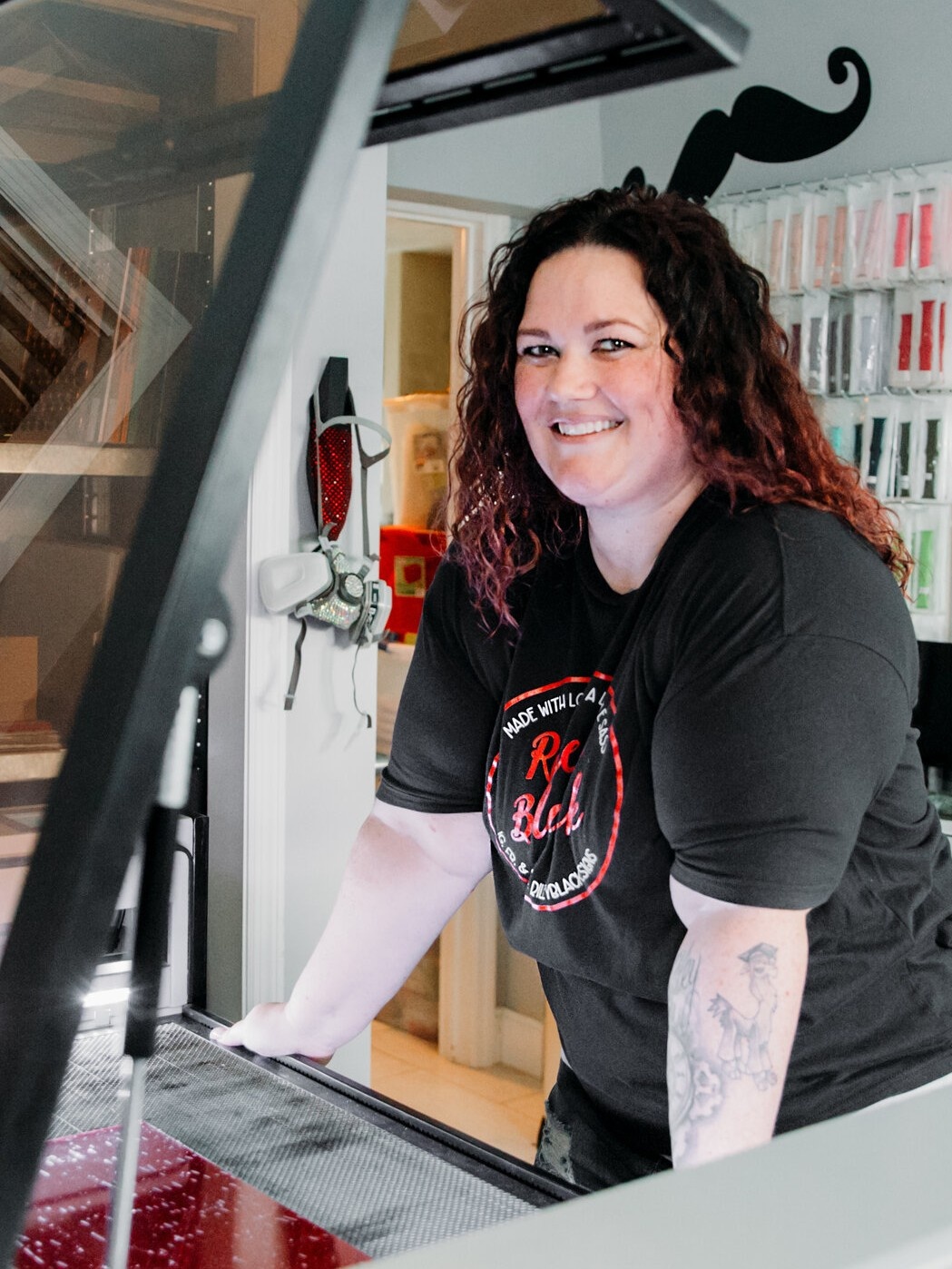
By the end of this program,
you will…
-
Be more comfortable using Silhouette Studio (Business Edition)!
You will learn my favorite Silhouette tools, skills, and valuable tips and tricks! Learn skills like offsets, node editing, tracing, how to use the "subtract" feature, what is "Kerf", and so much more! -
Make at least 8 projects of your own!
After we cover the basics and important skills, we will get to work making Keychains, ornaments, cake toppers and more!
Wait!🛑 Ready to learn how to make custom LED signs too?
If so, hurry - because this course is closing, too!
Be sure to check out my other course, LEDS with RBD.
As a laser owner, standing out in the market can be tough. Why not add a high-demand, unique product to your shop - custom LED signs! This course will teach you everything you need to know, from design to assembly, so you can start offering beautiful, illuminated signs that your customers will love.


Hear first-hand from my mentees and community members I've helped in the past...
Crystal gave me so much more than a quick Silhouette lesson; she gave me financial security, self confidence, and the ability to help others! Newly unemployed and new to the laser world, I had an idea in my head - but NO idea how to make it. Once I found Crystal’s tutorial and she explained nodes, everything clicked and fell into place! I simply didn’t know what I didn’t know. That info was the missing piece in learning how to make my idea come to life! From there I listed the file on Etsy and from there, it generated enough that first month to cover our house note for 2 months and pay for Christmas! Since then over 1000 people have purchased my file to make for their own customers. Forever grateful I stumbled upon her video!!!
- Andrea
Crystal is awesome. I posted a question about an issue that I was having in the Silhouette for Lasers Facebook group ,and Crystal reached out to me to help. She not only helped me, but she also created a video tutorial and placed it in the Facebook group for others to learn. I am new to Silhouette and Glowforge and spent several hours trying to figure it out myself. I highly recommend her. She is very knowledgeable and very easy to work with. I can't wait to take her course in the future!
